
Published 20 September 2026
While recent advisories highlight September 21, 2026, as a key enforcement date, the most important factor is the type of hardware pendrive you are holding, not the date you downloaded your certificate.
Who Must Upgrade to emSigner 3.3?
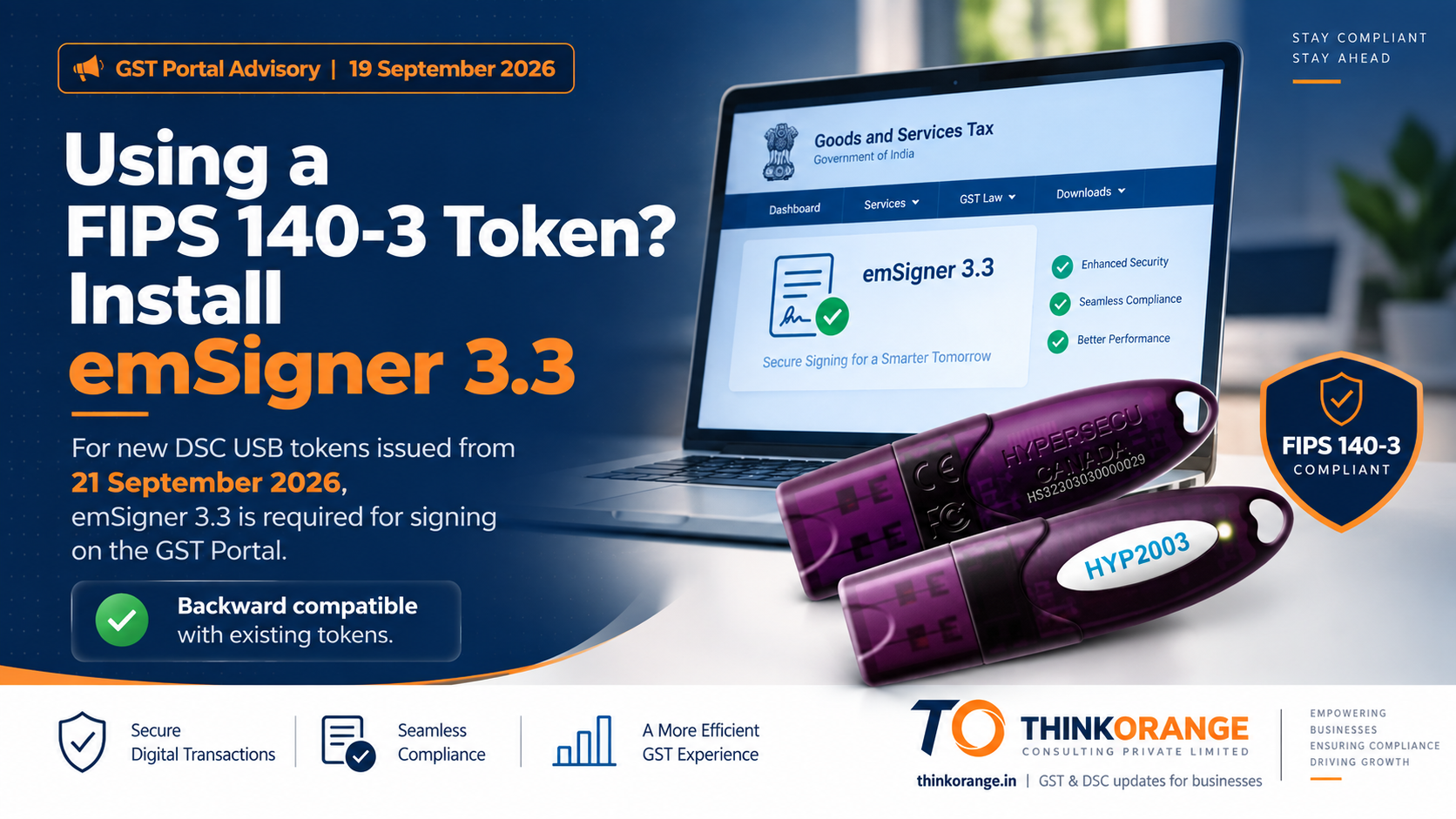
If you are using a FIPS 140-3 compliant hardware token (such as the latest generation of HYP2003 or Proxkey devices, pictured in the advisory graphic above), you must download and install emSigner 3.3.
Older versions of the utility simply will not recognize the newly issued hardware. This portal update supports the broader industry shift toward stricter encryption and compliance standards for digital signatures.
Note for Early Adopters
Many businesses proactively secured FIPS 140-3 tokens in recent months to get ahead of the September compliance mandate. Even if your certificate was downloaded onto a 140-3 token before September 21, you still need this software update.
Older versions of emSigner lack the technical compatibility to recognize FIPS 140-3 encryption. Without the upgrade, your DSC simply will not appear for selection when trying to file your returns on the GST portal.
What If You Have an Older FIPS 140-2 Token?
If your current certificate is valid and housed on an older FIPS 140-2 token, you are not strictly required to upgrade immediately. Your setup remains valid until the certificate's natural expiration.
However, if you start encountering signing failures or your token is no longer detected—even with the correct token drivers installed—upgrading to version 3.3 is the primary troubleshooting step. The new version is fully backwards-compatible and will safely support your older hardware.
Pre-Installation Checklist
Before downloading the update directly from the official GST portal, ensure your office workstation meets the mandated technical specifications to prevent installation errors:
- Operating System
- Windows 10 or 11 (64-bit), macOS 10.6 and above, or Ubuntu 18 and above.
- Hardware Specs
- Minimum 8 GB of RAM and 64 GB of storage space.
- Software Dependency
- Java 1.8 (Oracle or OpenJDK) must be pre-installed.Crucial note: Java 9 and newer versions are explicitly not supported by this utility and will cause fatal installation failures.